Reflect Planner · Available on the App Store
Your goals.
Your day.
In one place.
Turn a goal into a next step, give it time in your calendar, and see how your week came together.

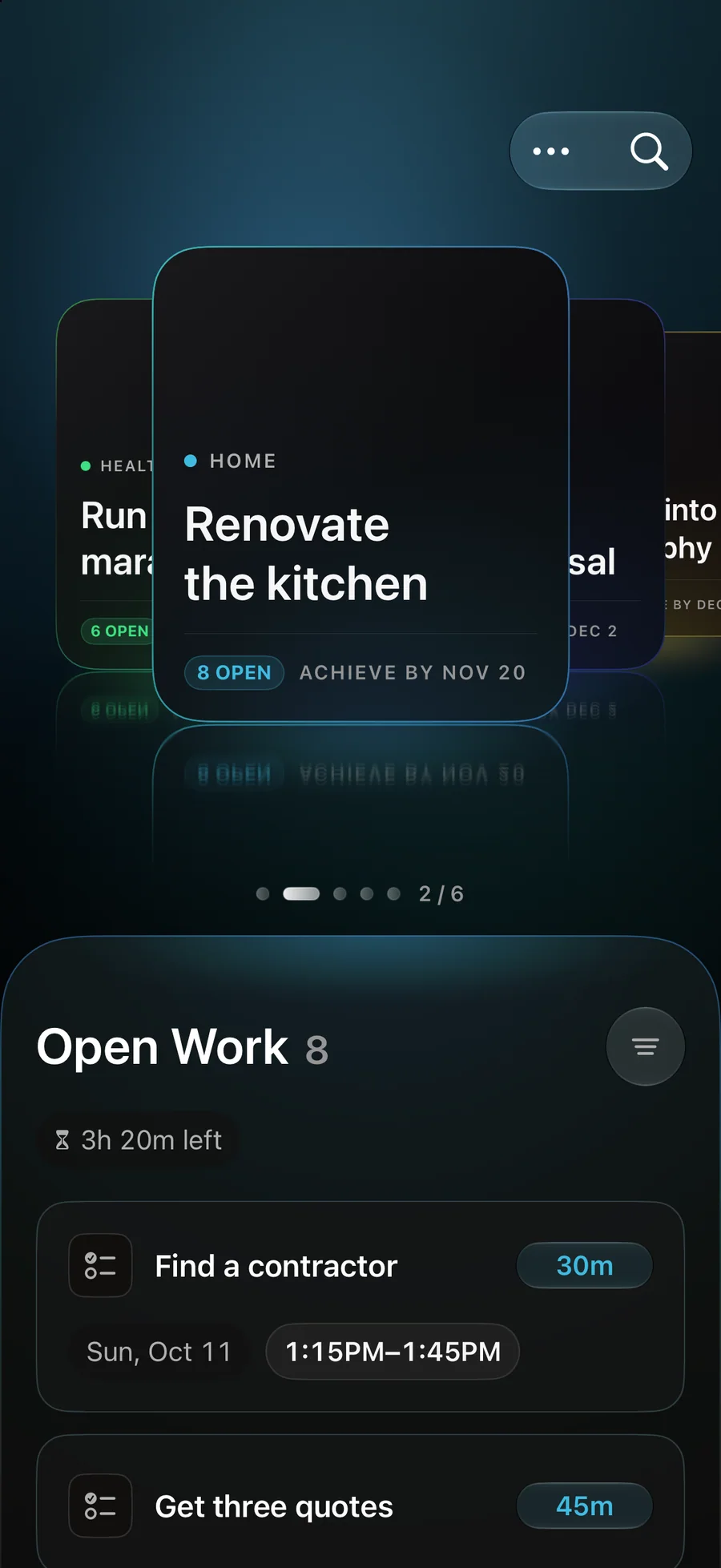
From a goal to your next step
Make room for the things
you want to do.
Start with what matters.
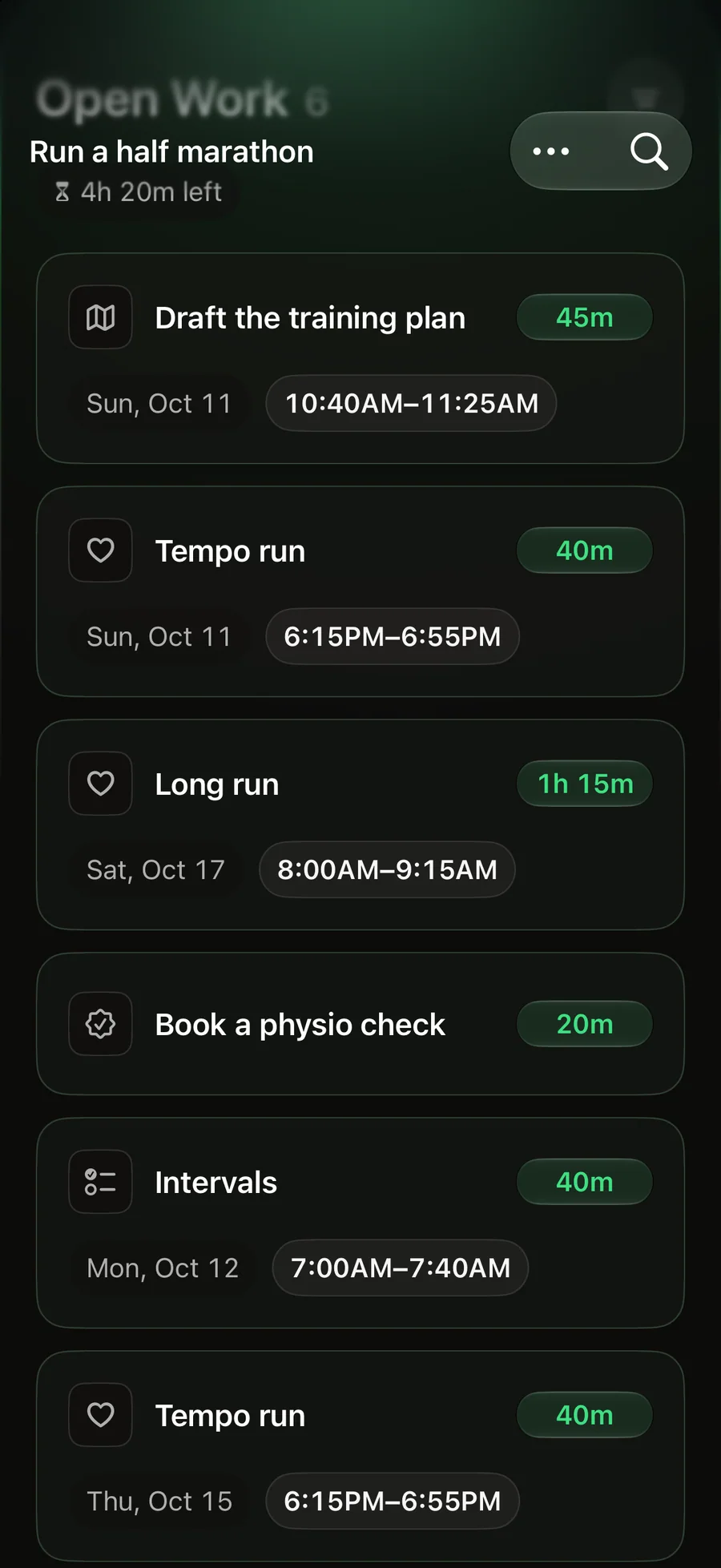
Connect tasks and subtasks to your goals, so your next step keeps its purpose.
Give it a place in your day.
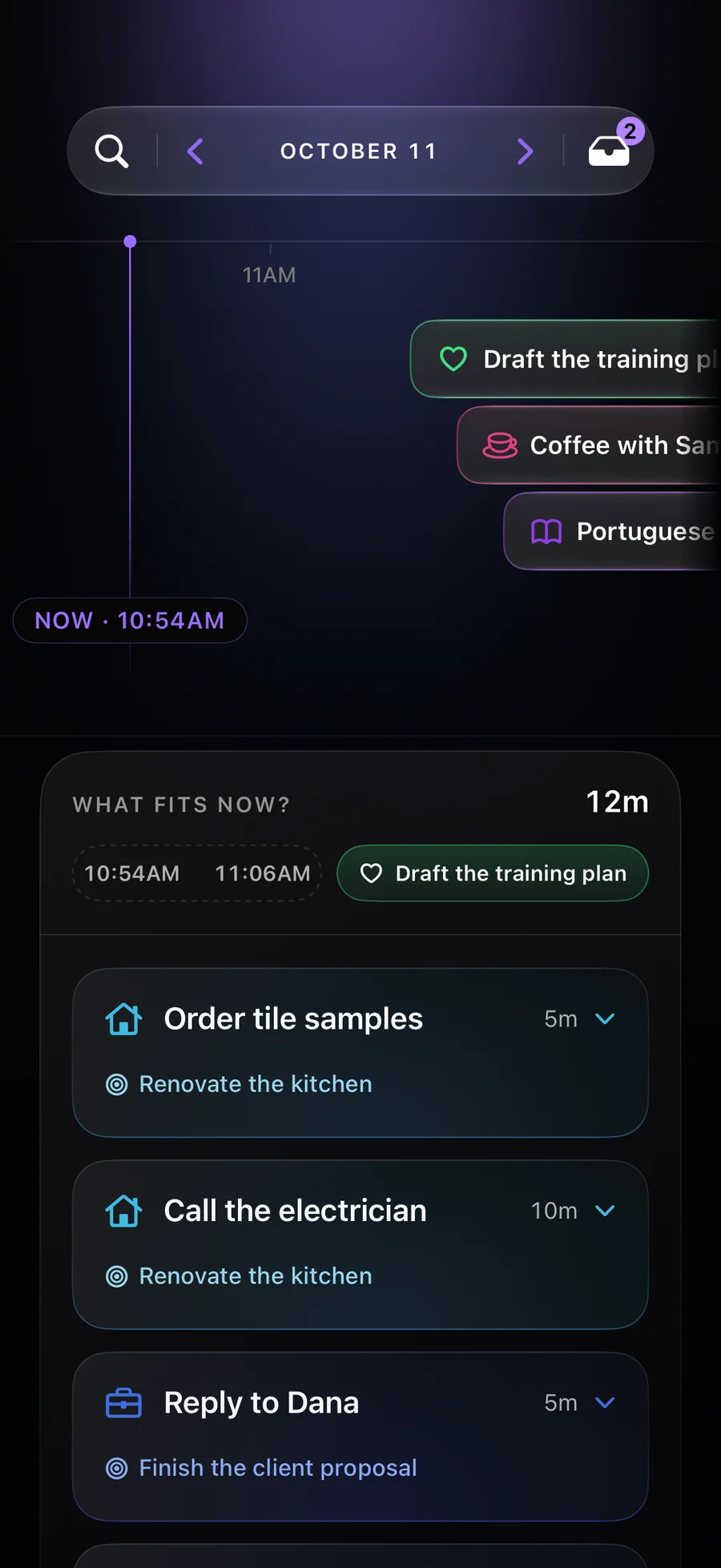
Bring tasks and Apple Calendar events into one view. See the time you have and choose what fits.
Learn from your week.
See the time you planned and completed in each area, then use it to make a realistic plan for the next week.
A little help, when you want it.
Optional Apple Intelligence
Prepare editable drafts for goals, tasks, and events. You choose what to save, and manual planning works without it.
Your plan across devices
Optional iCloud sync keeps your plan in your own Apple Account. Check today’s plan from your paired Apple Watch.
Clear purchase choices
Subscriptions and a lifetime option are available through Apple. Check the App Store for current prices and offers.